All blog posts
RAYVN WebSak integration: crisis records in the case file

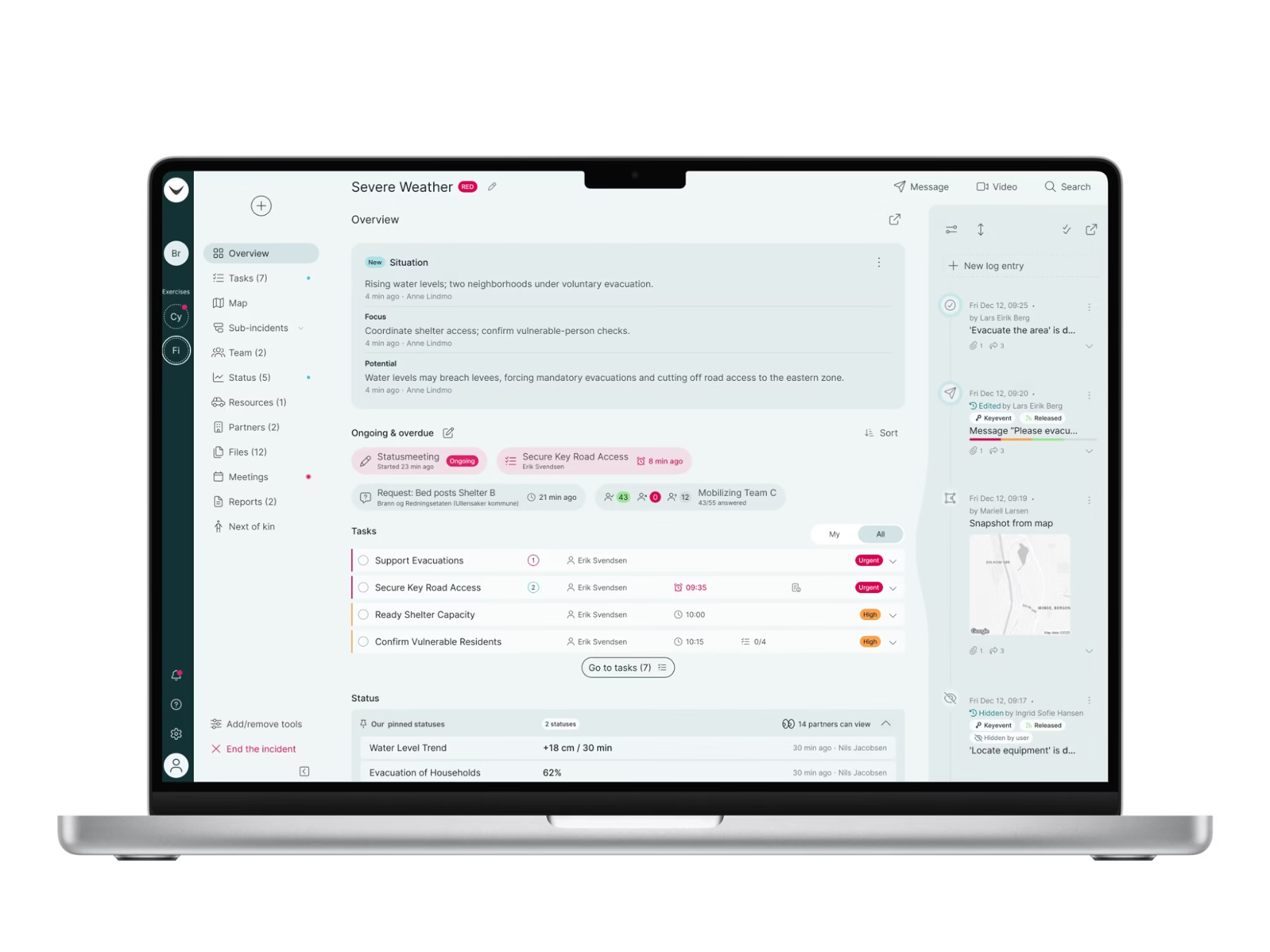
The RAYVN WebSak integration connects RAYVN directly to Acos WebSak — the file and archiving system used by roughly one-third of Norway’s municipalities, alongside ministries, directorates, and the Norwegian Police. Every log, entry, decision, and attachment you capture during an incident flows into WebSak as a structured, Noark-compliant record: no exports, no email attachments, no shared folders.
In short, the RAYVN WebSak integration sends every incident log, entry, decision, and attachment from RAYVN into Acos WebSak as a structured, Noark 5.5-compliant record, with no manual exports.
This is the second archiving integration RAYVN has shipped, following our Documaster integration earlier this year. Together, they cover the two largest archive platforms in the Norwegian public sector.
Built for the Norwegian municipal workflow
For municipalities already running WebSak, crisis documentation has historically sat outside the system that governs every other case. PDFs, email attachments, and shared folders are familiar compromises, and every one of them is a compliance risk and a future retrieval problem.
Norwegian municipalities including Kongsberg, Tromsø, and Bergen already run RAYVN to manage critical events. The WebSak integration closes the last gap: getting that incident record into the system of record. Incident data lands where it belongs — inside the case file, in the system your archivists and auditors already use every day.
What does the RAYVN WebSak integration archive?
The WebSak integration archives the full incident record, not a flat summary:
- Real-time or scheduled archiving. Choose when data moves: on log creation, as new entries are added, on log closure, or on demand. Not just a nightly batch.
- Full incident context. System messages, mobile photos, map snapshots, meeting notes, and the complete timeline, archived as structured WebSak records rather than flat exports.
- Noark 5.5 compliance. WebSak holds Arkivverket’s most current Noark certification, dated November 2024. Your archive meets the standard without extra work.
- Audit-ready by default. Every decision and timestamp is preserved with full traceability, ready for innsyn requests, evaluations, or post-event reviews.
How does the WebSak integration work?
- Activate once. An account administrator enables the integration in RAYVN’s general settings with your WebSak URL, API key, and email. Run the validation test, confirm, and you are live.
- Work as normal. Use RAYVN to log events, coordinate teams, and share real-time situational awareness. The integration runs quietly in the background.
- Archive on your terms. Logs flow to WebSak automatically. If you need a record earlier, archive it manually from the RAYVN Archive view.
Getting started for WebSak customers
If your organization already runs Acos WebSak, just follow the full step-by-step guide: How to set up integration to WebSak.
Part of a Noark-compliant archiving strategy
The WebSak integration is part of a broader archiving strategy, not a standalone feature. Norwegian municipalities are increasingly looking to digitalize incident management and move away from fragmented, paper-based response. See how Tromsø Municipality transformed its crisis management with RAYVN.
Talk to a RAYVN expert
Want to see it running end to end? Talk to a RAYVN expert — we’ll walk you through the WebSak integration, show you the triggers in action, and answer the specific Noark questions your archivists will ask. Book a conversation here.
Common questions about the RAYVN WebSak integration
What does the RAYVN WebSak integration do?
It sends the incident record from RAYVN into Acos WebSak automatically. Logs, entries, decisions, system messages, mobile photos, map snapshots, meeting notes, and attachments are written to WebSak as structured records rather than exported as flat files, so crisis documentation ends up inside the case file alongside every other case the organization handles.
Is the archived incident record Noark compliant?
Yes. Records are archived to Noark 5.5, and WebSak holds Arkivverket’s most current Noark certification, dated November 2024. Because every decision and timestamp is preserved with full traceability, the resulting record is ready for innsyn requests, evaluations, and post-event reviews without additional preparation.
When does data move from RAYVN to WebSak?
You choose the trigger: on log creation, as new entries are added, on log closure, or on demand. Archiving is not limited to a nightly batch, and a record can also be pushed manually at any point from the RAYVN Archive view.
How do we enable the integration?
An account administrator enables it once in RAYVN’s general settings using your WebSak URL, API key, and email address, then runs the built-in validation test. The full procedure is documented in How to set up integration to WebSak.
 The RAYVN Documaster integrationOur first archiving integration, covering the other major Norwegian archive platform.
 Tromsø Municipality transforms crisis managementHow a large Norwegian municipality moved its crisis management into RAYVN.
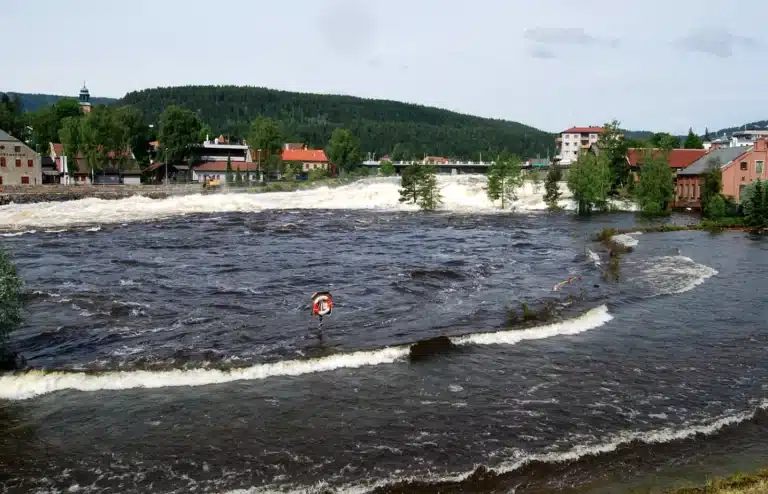 Kongsberg defends the communityUsing RAYVN against natural, industrial and environmental threats.
- Arkivverket, Godkjente Noark 5-løsninger (register of approved Noark 5 solutions). https://www.arkivverket.no/forvaltning-og-utvikling/noark-standarden/godkjente-noark-5-losninger
- Arkivverket, Noark 5 standard documentation. https://www.arkivverket.no/forvaltning-og-utvikling/noark-standarden/noark-5
- RAYVN Support, How to set up integration to WebSak. https://support.rayvn.global/en/how-to-set-up-integration-to-websak
Talk to a RAYVN Expert
Don't just test a tool—optimize your strategy. Sit down with a RAYVN expert to verify our features meet your compliance needs and see how easy it is to manage complex incidents in real-time.
Get Started